


shape
shape

Actuarial Excel

  • Home
  • Actuarial Excel
Actuarial Excel

Actuarial Excel – Practical Data & Modelling Skills

Description

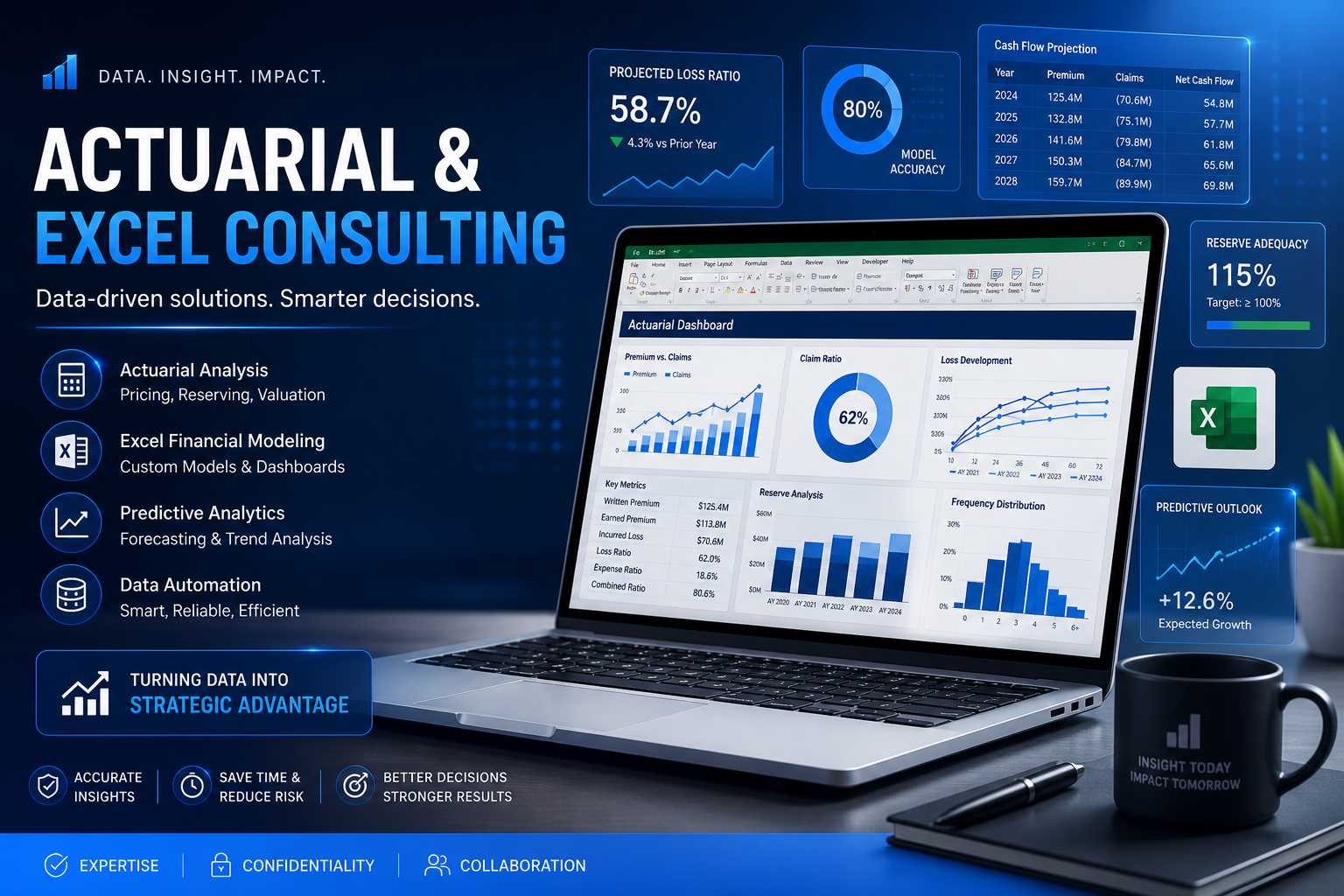
In today’s data-driven world, Microsoft Excel remains one of the most powerful and widely used tools in the actuarial profession. While specialized actuarial software exists, a significant portion of real-world work — including data analysis, modelling, and reporting — is still performed using Excel.

At InflexionPoint, our Actuarial Excel program is carefully designed to bridge the gap between theoretical knowledge and practical application. The course focuses on building strong Excel skills tailored specifically for actuarial students and professionals, helping them stand out in interviews and perform efficiently in real-world roles.

What Will You Learn?

This program is divided into three progressive levels, starting from fundamentals and advancing towards actuarial modelling and case-based applications.

  • Excel Basics & Core Functions
  • Data Cleaning & Data Analysis Techniques
  • Advanced Formulas & Logical Functions
  • Actuarial Case Studies in Excel
  • Financial Modelling & Forecasting
  • Best Practices, Efficiency & Error Handling
Why Choose InflexionPoint?

Our program is designed with a practical, career-focused approach. With expert guidance, structured learning, and real-world case studies, students gain not just theoretical understanding but hands-on experience. We focus on making you industry-ready by improving your analytical thinking, modelling skills, and efficiency in Excel.

Course Curriculum

Our Actuarial Excel curriculum is designed to build strong practical skills, starting from fundamentals and progressing towards advanced actuarial modelling and real-world applications.

  • Level 1 – Excel Fundamentals (Interface, Basic Functions, Formulas, Formatting)
  • Level 1 – Data Handling (Sorting, Filtering, Data Cleaning, Validation)
  • Level 2 – Advanced Excel (Logical Functions, Lookup Functions, Pivot Tables, Dashboards)
  • Level 2 – Data Analysis (Scenario Analysis, What-If Tools, Data Visualization)
  • Level 3 – Actuarial Case Studies (Real-world problem solving using Excel)
  • Level 3 – Financial & Actuarial Modelling (Forecasting, Risk Analysis, Model Structuring)
  • Best Practices – Error Handling, Efficiency Techniques, Excel Do’s & Don’ts
  • Assignments – Practical exercises for each topic
  • Case Study Projects – Industry-oriented applications
  • Performance Tracking – Feedback and improvement guidance
Author Image

Expert Actuarial Faculty

Our faculty consists of qualified and experienced actuarial professionals who have cleared multiple actuarial papers. They focus on conceptual clarity, practical examples, and continuous student evaluation.

10+ Courses 5000+ Students
Actuarial Excel – Frequently Asked Questions
It refers to the use of Microsoft Excel for actuarial analysis, modelling, and data-driven decision making.
Yes, Excel is one of the most essential tools used in actuarial work, especially at the entry and mid levels.
No, the course starts from basics and gradually progresses to advanced concepts.
Actuarial students, freshers, and professionals who want to strengthen their Excel and modelling skills.
Yes, strong Excel skills significantly improve your chances of getting shortlisted and performing well in actuarial roles.
The course is divided into three levels – Basic, Intermediate, and Advanced, covering everything from fundamentals to actuarial modelling.
The total duration varies by level, with structured hours including video sessions, assignments, and case studies.
Yes, the course includes actuarial case studies to help you apply concepts in practical scenarios.
Yes, Level 3 focuses on financial and actuarial modelling techniques using Excel.
Yes, each level includes assignments and practical exercises for better understanding.
We offer structured learning, actuarial-focused content, and practical training designed for real-world applications.
Yes, the course includes hands-on exercises, case studies, and real-world modelling practice.
Yes, we follow a ‘study online, resolve doubts offline’ approach with proper support.
Yes, a course completion certificate is provided after successfully completing the program.
Yes, we provide guidance and feedback to help you improve your Excel and analytical skills.